Launch Microsoft SQL Server Management Studio (SSMS) with an administrative account.
Type the fully qualified domain name in the Server name: textbox.
Change the Authentication method from the drop-down box.
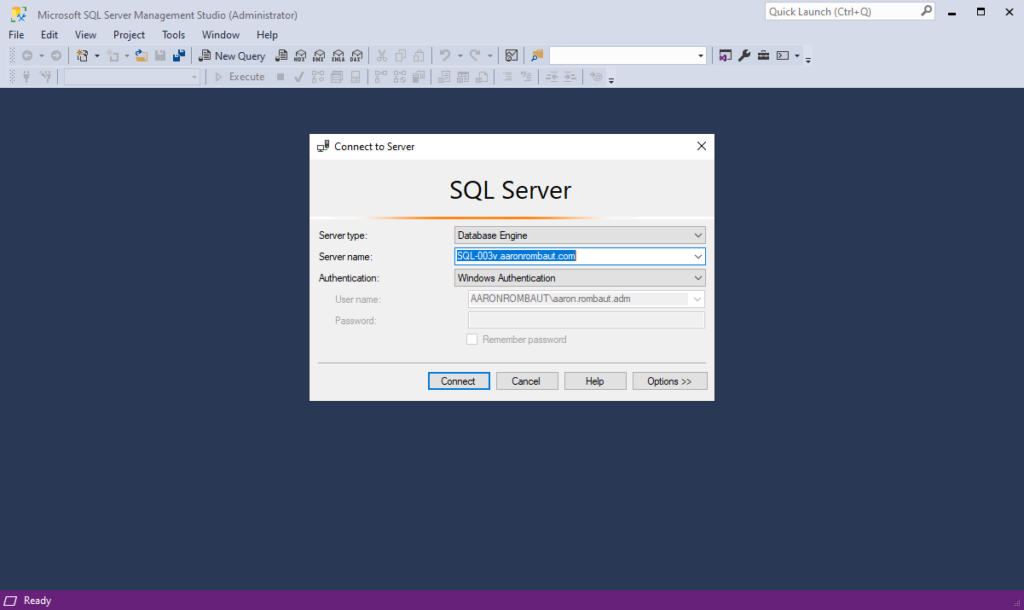
Click the Connect button.
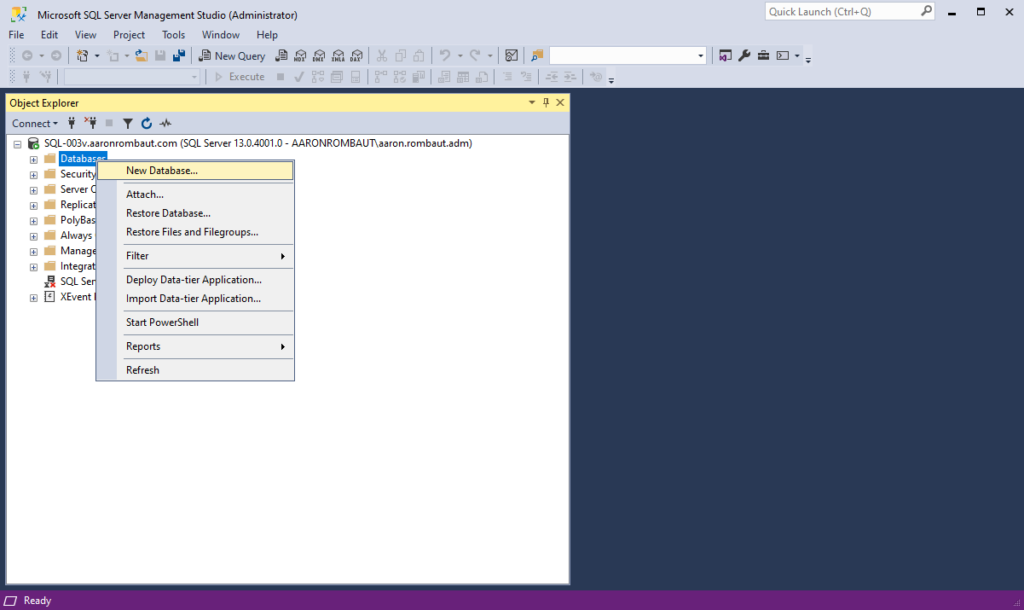
Right-click the Databases folder > click New Database…
Type the name of the new database to create in the Database name: textbox.

Click the OK button.
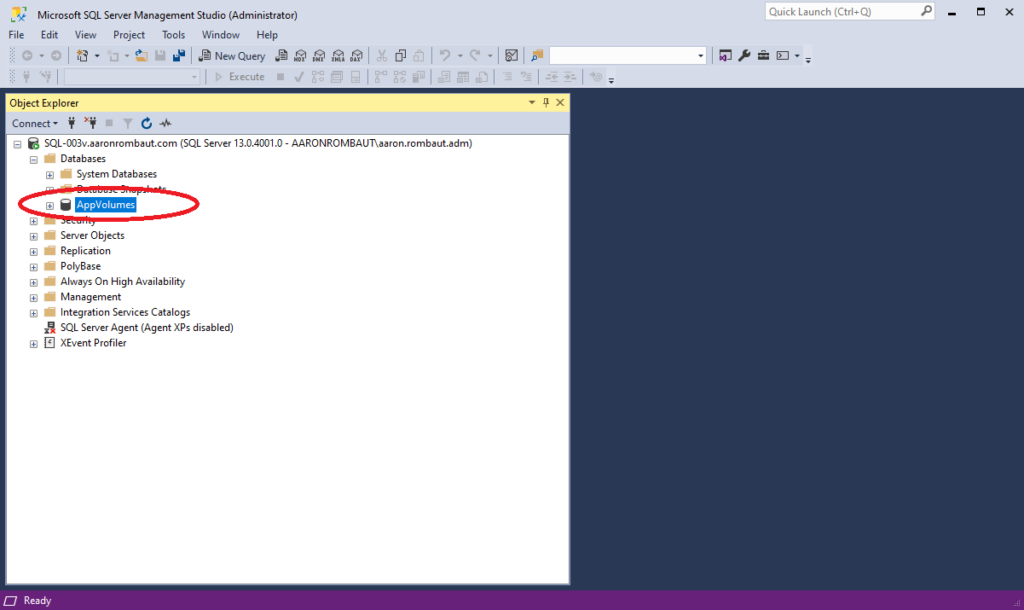
Expand the Databases folder and verify the database you created is present.