

Overview
So I set up VCF in my lab and got to the part where I wanted to swap out certificates. I configured a Microsoft CA and tested it by replacing the VCF Operations appliance certificate. I took some leave, and when I came back to swap more certificates, I received the following message:
Certificate replacement for appliance vcf-fm-v200-14.lab.aaronrombaut.com has failed. 500 : "{"status":"","message":"Invalid request found.","errorCode":"LCM_CERTIFICATE_API_ERROR0000","errorLabel":"Unknown Certificate error.","recommendations":[]}"
Well, this is frustrating, time to go log fishing.
RTFM
VCF Operations UI does not show Password or Certificate information for VCF Management
Log Fishing
This is where it gets fun. Most of the time, the logs are located in /var/log/vmware. Unfortunately, there was nothing useful there on the VCF Operations appliance.
I remembered that I had found logs in other places on these appliances so I dove into /storage/log/vcops/log/vcops-bridge.log. This log shows information related to configuring the Certificate Authority.
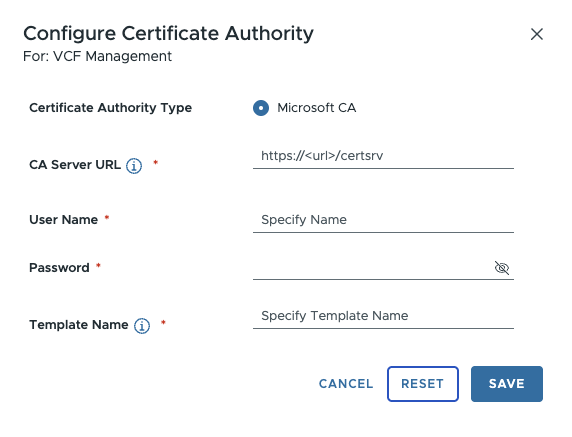
This isn’t quite the place I need to be, however. I am trying to re-issue a new certificate. Even though I am initiating the workflow from the VCF Operations appliance, it is handed off to the VCF Operations Fleet Management appliance via API.
The log location here is /var/log/vrlcm/vmware_vrlcm.log on the VCF Operations Fleet Management appliance. You can see here that I supposedly have a locked account. The wording is quite confusing, I will admit, but the gist is that it is reporting that the account is locked.
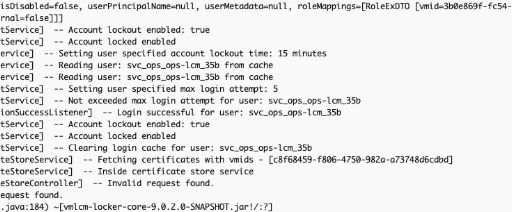
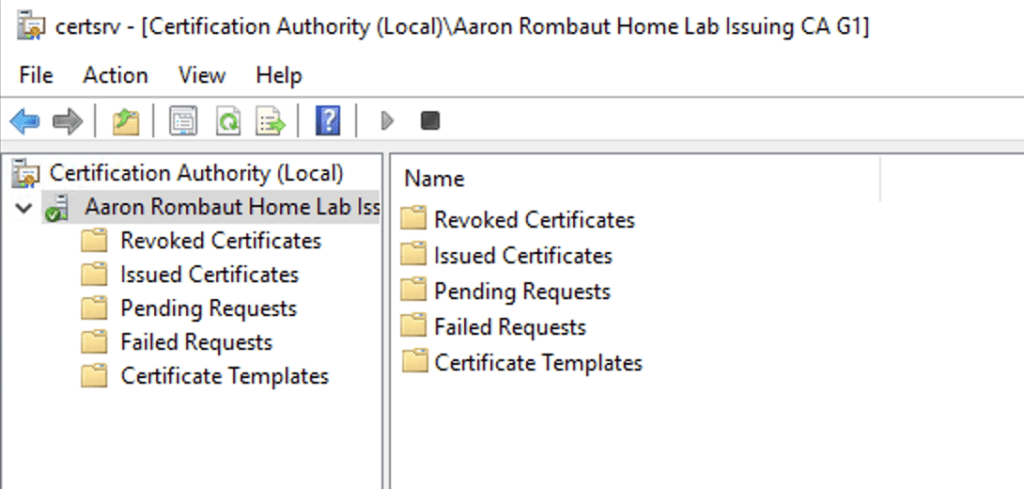
To cut through this, I opened up Active Directory and checked on the account. I saw that the account was not locked. So next, I moved to the Certification Authority to see if there were any Pending Requests or Issued Certificates. This would at least let me know if the workflow even got that far or if there is an issue with handing back the certificate. What I found instead was the service wasn’t even running.
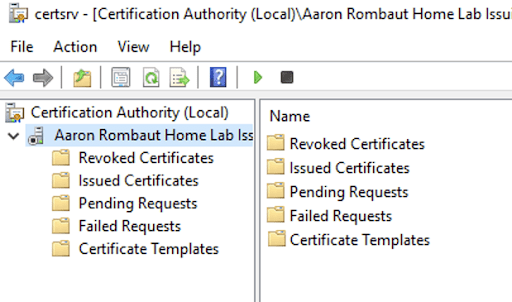
When I tried to start the service, it failed due to a CRL location that could not be accessed.
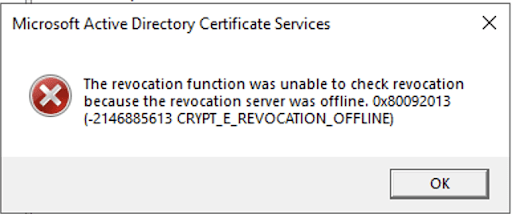
Once I fixed that, the service came online.
Conclusion
In the end, the issue wasn’t with VCF at all—it was upstream. A failed certificate workflow and misleading API error ultimately traced back to a stopped Certificate Authority service caused by a CRL accessibility problem. When troubleshooting certificate issues in VCF, don’t stop at the appliance logs—validate the health of the entire PKI chain.
Leave a Reply